By Ctrl Editorial Team · May 13, 2026 · 9 min read
The Important Work Hiding in Your Inbox
Email still contains critical work. Here’s how to find, clarify, and act on the follow-ups buried in your inbox.
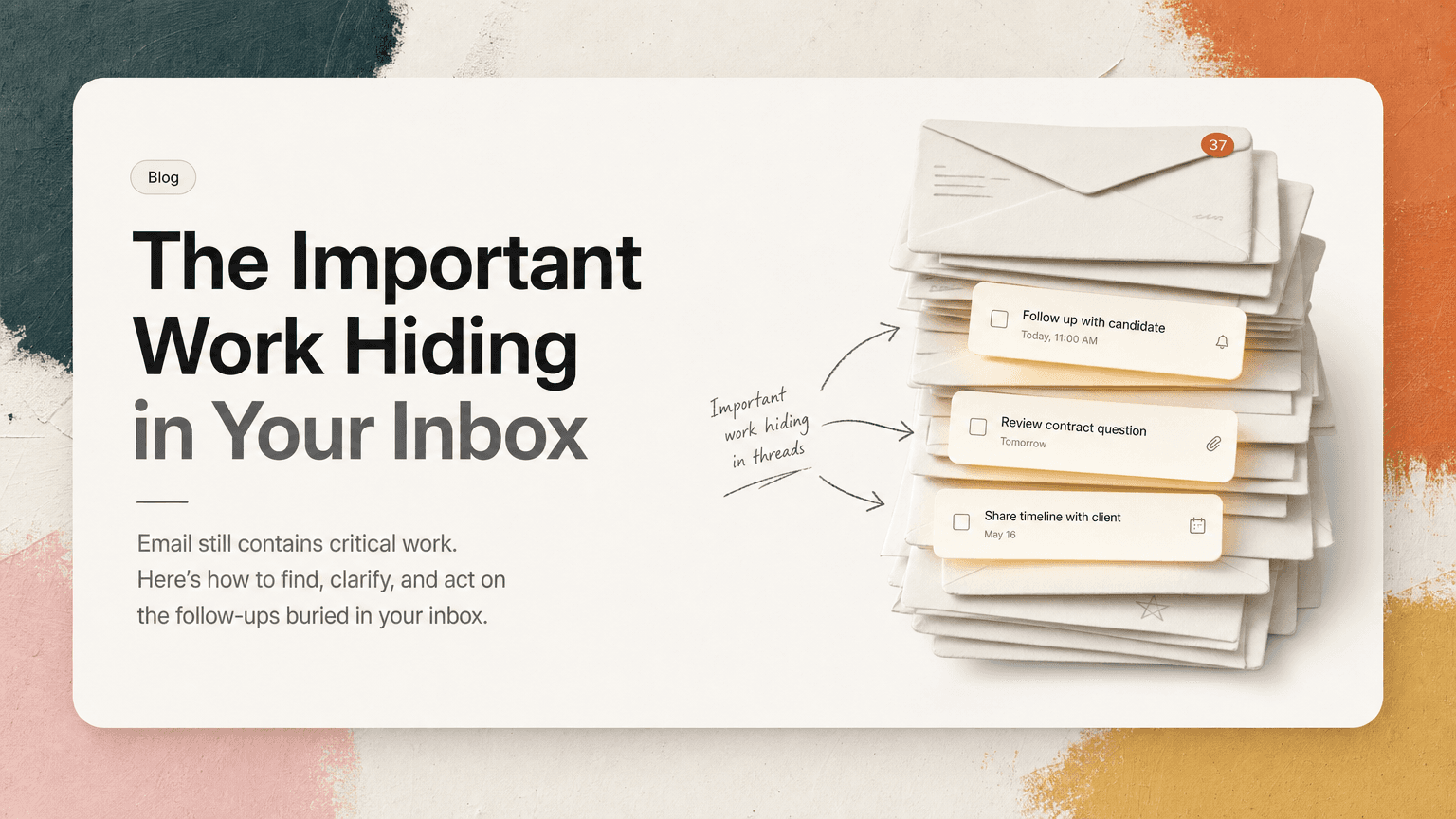
Email is not where most teams want work to live.
But it still does.
A customer asks for a timeline. A candidate needs a follow-up. A vendor sends a contract question. Your manager replies to a thread with “Can you take the first pass?” A teammate forwards a bug report with no explicit owner, but everyone assumes you saw it.
None of these look like tasks at first glance. They look like email.
That is why inbox work is easy to miss. Email was designed for communication, not execution. It is good at delivering messages, okay at preserving history, and bad at turning decisions into action. If you rely on your inbox as a memory system, important work will hide in plain sight.
The fix is not to abandon email. The fix is to stop treating email as a place where work can safely stay.
Why email hides work so well
Email hides work because it mixes several different job types into one stream.
Your inbox contains:
- requests from other people
- decisions made in long threads
- approvals waiting on you
- FYIs that need no action
- newsletters and automated messages
- meeting follow-ups
- forwarded context from Slack, docs, or customers
- reminders you sent yourself at 11:43 p.m.
Everything has the same shape: subject line, sender, timestamp, preview text.
A critical launch blocker can sit between a calendar notification and a vendor receipt. A customer escalation can be buried under a thread called “Re: Quick question.” A request that needs action today may look identical to a message you can archive.
Email also encourages passive scanning. You open the inbox, skim the top layer, respond to what feels urgent, and move on. The trouble is that important work is not always loud. Sometimes it is one sentence in paragraph four:
Could you send the revised numbers before the partner call?
Or:
We should probably confirm this with legal before Friday.
Or:
Can someone make sure the onboarding doc reflects the new flow?
If those sentences never become tasks, they rely on memory. Memory is a poor project management system.
The most common places work gets buried
Not every email deserves action. The goal is not to convert your entire inbox into a todo list. The goal is to notice the specific patterns where real work hides.
1. The polite ask inside a larger thread
Many email requests are softened by context:
Thanks again for the call. The new direction makes sense. I talked to the team and we are aligned. One thing: could you send an updated proposal with the annual option included?
The action item is not the whole email. It is one clause: send updated proposal with annual option.
Because the email feels like a recap, it is easy to archive mentally as “read.” But the sender is waiting for something.
2. The forwarded problem with no clear owner
Forwarded emails are dangerous because they often carry implied work.
A customer-facing teammate forwards a complaint and adds:
FYI — this seems related to the issue we discussed last week.
Is that a task? Maybe. Does the sender expect you to investigate? Probably. Is there a deadline? Unclear.
Forwarded work often needs clarification before execution. If you skip that step, you either overreact to an FYI or miss a real handoff.
3. The meeting follow-up email
After meetings, people often send summaries by email:
Great discussion. Next steps below.
Then the list contains five bullets, three owners, and two dates. Some items belong to you. Some belong to others. Some are decisions, not tasks.
The email thread becomes a weak substitute for a plan. Everyone remembers the meeting differently, and the follow-up slowly drifts out of view.
4. The reply that changes the task
A task may start in one form, then change three replies later.
First email:
Can you draft the customer update?
Later reply:
Actually, let’s wait until we hear from engineering.
Later reply:
Engineering confirmed. Please send by Thursday, but avoid mentioning the migration date.
If your task list only says “Draft customer update,” it is now incomplete. The task did not disappear, but the constraints changed.
Email hides not just tasks, but updated context.
5. The approval disguised as a quick reply
Approvals often look tiny:
Looks good to me, assuming finance is aligned.
That sentence may create a task: confirm with finance before sending.
Because it is not phrased as “please do X,” it may never be captured. But execution depends on it.
A practical inbox triage method
You do not need a complicated system. You need a reliable way to separate communication from work.
Try this when processing email.
Step 1: Ask “does this create or change an obligation?”
For each meaningful email, ask one question:
Does this create or change something someone is expected to do?
If no, archive it, label it, or leave it as reference.
If yes, identify the obligation. Be specific.
Weak capture:
Customer email
Useful capture:
Send Acme revised proposal with annual pricing option by Wednesday
Weak capture:
Follow up on legal
Useful capture:
Confirm with legal whether onboarding copy can mention SOC 2 review
A useful task should usually include a verb, an object, and enough context to act later.
Step 2: Separate “reply now” from “work later”
Email tricks you into thinking the only next action is to respond. Sometimes the right move is a quick reply. Often it is not.
An email might require:
- a response
- a calendar hold
- a Slack message
- a doc update
- a decision
- a task for later
- a handoff to someone else
For example, if a prospect asks for implementation details, the next action may not be “reply.” It may be:
Ask engineering for current SSO setup constraints before replying to prospect
Responding too quickly can create more work if you do not have the answer. Capturing the real next action prevents fake progress.
Step 3: Attach the source context
A task without its source is fragile.
If you capture “Send revised proposal,” you should also know:
- who asked
- which thread it came from
- what constraints were mentioned
- what deadline was implied or stated
- what prior decision led to it
This matters because future-you will not remember. When Thursday arrives, you do not want to search Gmail for “proposal annual maybe Acme latest thread final.” You want the task and the relevant email connected.
At minimum, paste the email link or keep the thread associated with the task. The more context switching your work requires, the more important this becomes.
Step 4: Clarify ambiguous ownership quickly
If an email implies work but does not clearly assign it, do not silently absorb it.
Send a short clarification:
I can take the first pass on this. Do you want me to investigate and send a recommendation by Friday?
Or:
Is this just an FYI, or should I open a task for the onboarding doc update?
This feels small, but it prevents two common failures: duplicate work and no work.
Ambiguity is where email debt grows.
Step 5: Convert only the actionable part
Long email threads can contain ten pieces of information and one task. Do not copy the whole thread into your task list. Extract the action.
Email text:
We spoke with the customer this morning. They are fine waiting until next week, but they want confirmation that the export includes archived users. Also, they asked whether the CSV format will match the old report.
Possible tasks:
- Confirm whether export includes archived users
- Check if new CSV format matches old report
- Reply to customer with answers before next week
That is much better than:
Handle customer export email
A vague task creates a second round of interpretation later.
How to prioritize email-derived work
Once email tasks are captured, the next problem is deciding what matters now.
A simple priority check:
- Is someone blocked? If yes, prioritize it.
- Is there an external deadline? Customer, candidate, partner, vendor, board, legal.
- Does it affect a meeting today or tomorrow? Prep work expires quickly.
- Does it unblock revenue, hiring, launch, or incident response? Move it up.
- Is it just inbox guilt? Move it down.
Not every unread email is urgent. Not every old email matters. The age of a message is less important than the consequence of not acting.
For example:
- A two-hour-old newsletter can be ignored.
- A three-day-old customer question may be urgent.
- A week-old internal FYI may need no action.
- A reply from legal that changes launch copy may need immediate attention.
Priority should come from impact, not inbox position.
The daily habit that keeps email from becoming a task graveyard
Once a day, do a short email extraction pass. This is different from checking email.
Checking email asks: “What came in?”
Extraction asks: “What work is hiding here?”
Use a 15-minute pass:
- Open your inbox and important labels.
- Scan for messages that create or change obligations.
- Convert those obligations into clear next actions.
- Attach or preserve the source thread.
- Clarify ambiguous ownership.
- Pick the few that matter today.
Do not aim for inbox zero. Aim for work visibility.
Inbox zero can still leave tasks uncaptured. A messy inbox can still be under control if the work has been extracted.
Where AI can help without taking over
The hard part is not knowing that email contains tasks. The hard part is noticing them consistently while moving between Gmail, Slack, meetings, docs, and your calendar.
This is where an intelligent work assistant can help. CTRL connects to the tools where work already happens, including Gmail, Slack, Calendar, meetings, and shared notes, then helps turn scattered communication into clear next actions. That means an email follow-up can become a task with the relevant context attached instead of becoming another thing you hope to remember.
The useful role for AI here is not to invent your priorities. It is to reduce the manual work of finding obligations, deduplicating repeated asks, and keeping the source context close to the task.
You still decide what matters. The system helps make the work visible enough to decide.
Email is not the enemy
Email remains useful because everyone has it. Customers use it. Candidates use it. Vendors use it. Executives use it. Cross-company work often defaults to email because it is universal.
The mistake is expecting email to manage execution.
Your inbox can deliver the message. It can preserve the thread. It can show who said what.
But once an email creates an obligation, the work needs to leave the inbox and become a clear next action. Otherwise it will compete with receipts, newsletters, calendar updates, and every other message asking for your attention.
Important work does not always announce itself. Sometimes it arrives as a polite sentence in the middle of a thread.
The discipline is learning to see it, extract it, and keep the context attached long enough to act.


Make today life changing
Move from conversation to actions in seconds
Download the ^ctrl desktop app