By Ctrl Editorial Team · May 5, 2026 · 6 min read
Why notes don't work - and what replaces them
Notes capture what was said. Work depends on what needs to happen next.
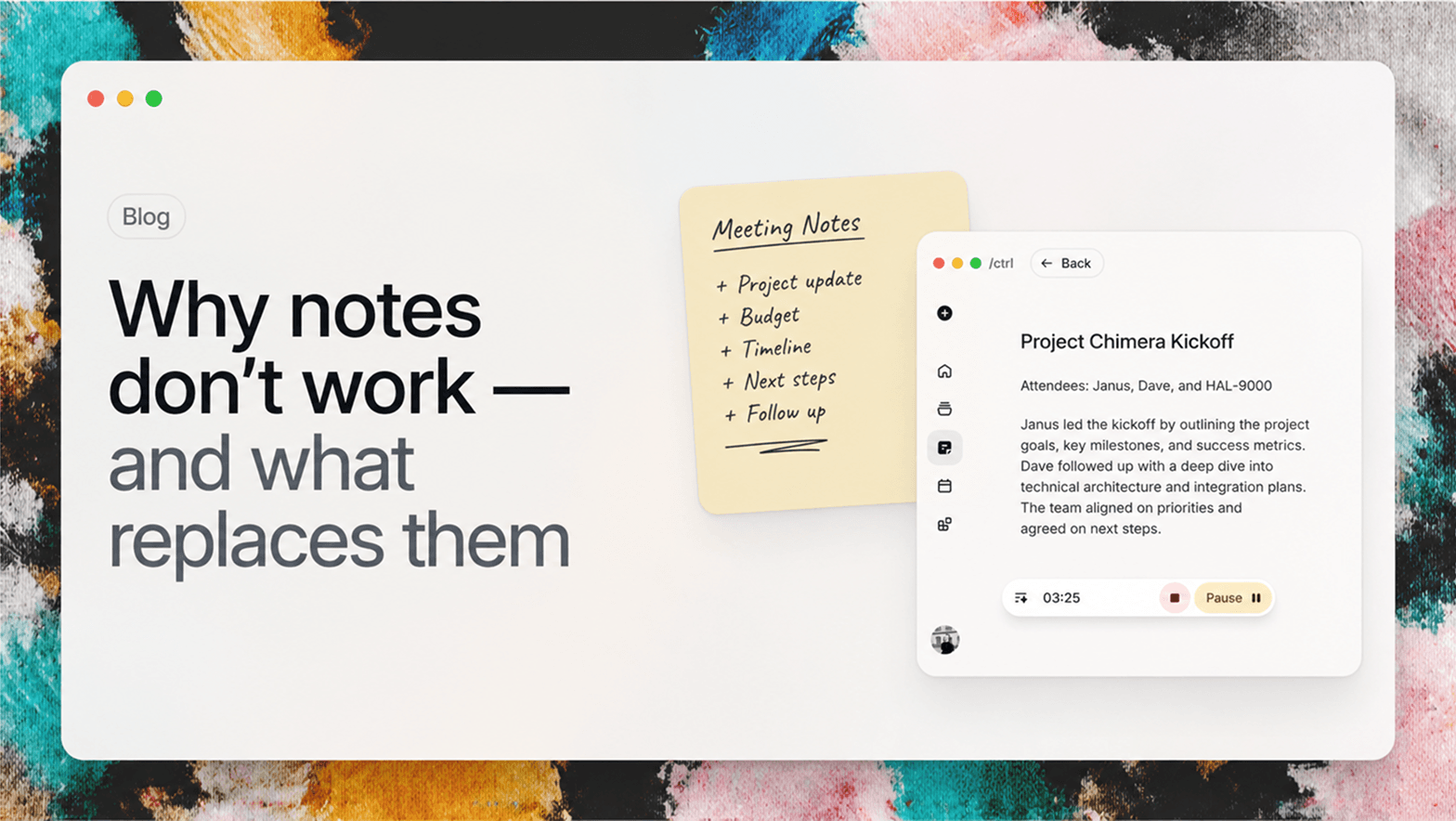
Most teams do not have a note-taking problem. They have a continuity problem.
Notes are useful at the moment of capture. They preserve what was said, who was in the room, and the shape of a conversation. But work usually breaks after that. Decisions need owners. Questions need follow-up. Context needs to move from the meeting into the tools where execution happens.
That is where notes start to feel heavy. They create a record, but the record still needs another pass before it becomes useful.
What notes are good at
Notes are good at preservation. They give you a place to put a sentence, a quote, a decision, or a rough idea before it disappears. That matters. A team without any record of what happened will repeat conversations and lose decisions.
The problem is that preservation is not the same as progress. A note can say "follow up with the customer next week" without creating a task, assigning an owner, attaching the customer thread, or reminding anyone when next week arrives. The note is accurate, but the system around it is passive.
The gap after capture
A transcript can tell you what happened. A summary can make it easier to skim. Neither one guarantees that the right next action shows up when you need it.
The real system needs to understand a few practical things:
- What changed because of this conversation.
- Who needs to do something next.
- Which details should attach to an existing project, task, or customer.
- What can safely disappear into the background until it becomes relevant again.
When that work is manual, people stop doing it. The notes stay accurate, but the system around them gets stale.
The real workflow is downstream
Most work does not fail inside the meeting. It fails after the meeting, when the useful parts of the conversation need to move somewhere else.
A customer call may create a bug report, a renewal risk, and a product idea. A planning meeting may create owners, deadlines, and dependencies. A Slack thread may change the priority of a task that already exists. If each of those details stays in a note, the team still has to translate the note into action later.
That second translation step is the hidden cost. It asks people to reread, interpret, copy, paste, tag, assign, and remember. Research on multitasking and task switching has long shown that switching context is not free; the American Psychological Association summarizes this as a measurable "switch cost" when people move between tasks. The same idea appears in team workflows: every manual handoff from note to task creates another chance for context to be lost.
What replaces notes
A better system keeps the parts of notes that matter and changes the output.
| From notes | To work memory |
|---|---|
| A meeting transcript | Decisions, tasks, owners, and follow-ups |
| A copied quote | Source context attached to the task |
| A private reminder | A visible next action with timing |
| A buried detail | Context that appears when the next step happens |
The replacement is not a prettier document. It is a work graph: tasks, decisions, references, reminders, and sources connected to the people and projects they affect.
Replace notes with memory
A better workflow treats every meeting, message, and document as input into one living work graph. Notes still exist, but they are no longer the destination. They become raw material.
The output should be structured: tasks, decisions, reminders, references, and reusable context. It should appear where work already happens. It should not require a second cleanup ritual at the end of every day.
That is the shift we care about at ctrl. The product is not trying to make prettier notes. It is trying to make work remember itself.
A simple test
After your next meeting, look at the notes and ask five questions:
- Which decisions changed what we will do next?
- Which tasks have owners?
- Which details need to attach to an existing project or customer?
- Which reminders need a date?
- Which parts can safely disappear because they are only background?
If those answers require another cleanup session, the note did not finish the job. It captured the meeting, but it did not convert the meeting into work.
Sources


Make today life changing
Move from conversation to actions in seconds
Download the ^ctrl desktop app