By Ctrl Editorial Team · May 25, 2026 · 8 min read
A Practical Way to Use AI for Daily Prioritization
A simple daily system for using AI to find, rank, and protect the work that matters most.
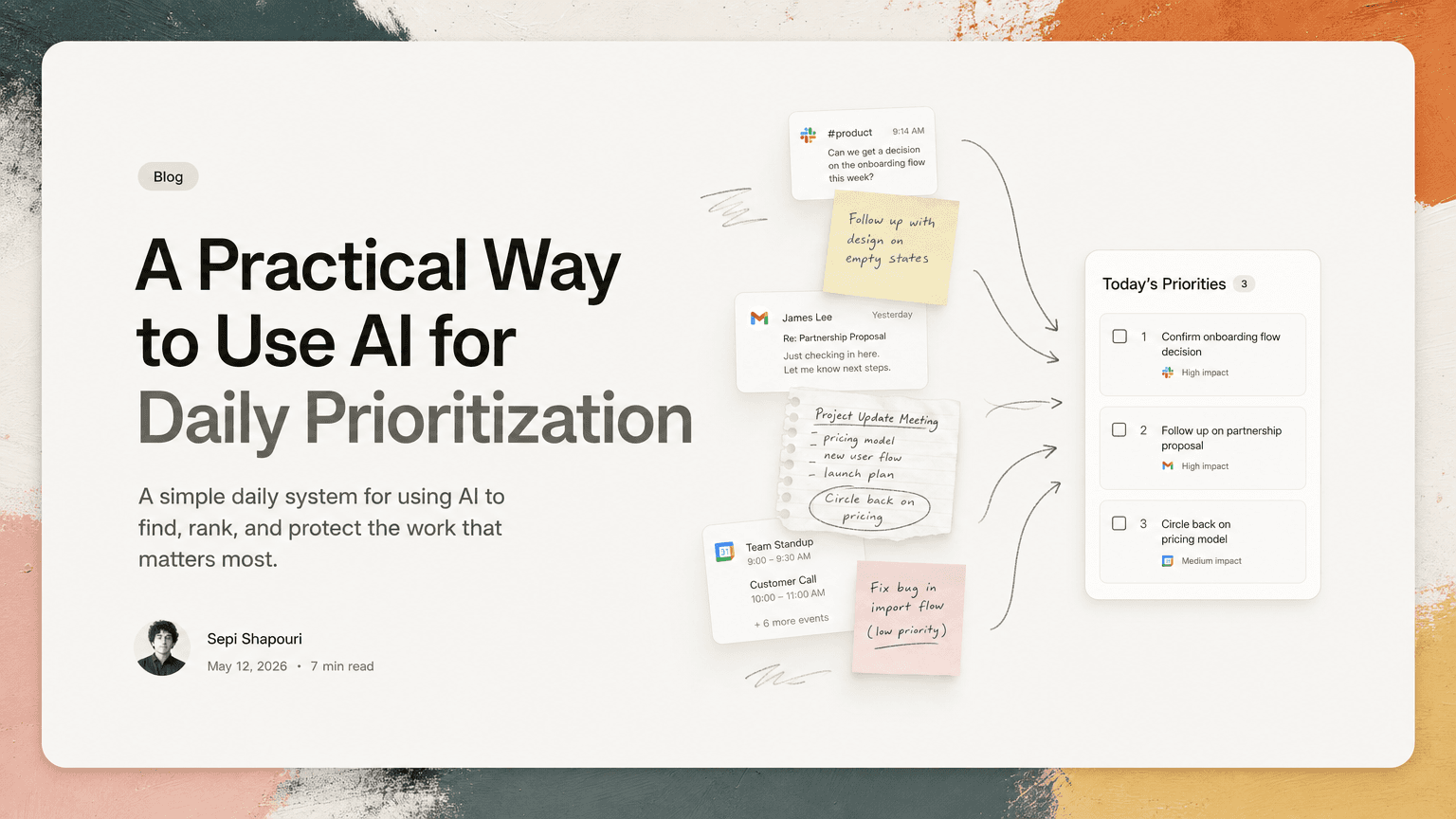
Most people do not start the day with a clean task list. They start with fragments.
A Slack thread where someone asked for a decision. A Gmail follow-up from yesterday. A meeting note that says “circle back on pricing.” A calendar packed with calls. A task list that still contains items from last Tuesday.
The hard part of prioritization is not usually choosing between perfectly defined tasks. It is finding the real work hiding across tools, understanding what still matters, and deciding what deserves attention now.
AI can help with that. Not by taking over your judgment, but by doing the sorting work that humans are bad at when rushed: scanning, grouping, deduplicating, and surfacing context.
Here is a practical way to use AI to prioritize your day without turning your workflow into another system to maintain.
Start by separating capture from prioritization
A common mistake is trying to prioritize from memory.
You sit down, open your task manager, and ask: “What should I do today?” But your task manager only contains the work you remembered to enter. It may not include the request buried in Slack, the follow-up implied by an email, or the action item mentioned at the end of a meeting.
Before you prioritize, you need a fuller capture layer.
That does not mean writing everything down manually. In fact, manual capture is often where the system breaks. You read a message, think “I should handle that later,” and move on. Later never arrives because the work was never converted into an actual next action.
AI is useful here because it can monitor the places where work already happens and pull out likely tasks. For example:
- A Slack message says, “Can you send the updated onboarding doc before the customer call?”
- An email says, “Following up on the contract redlines — can you review by Friday?”
- A meeting note says, “Alex to confirm launch checklist owners.”
Each of those contains work. The first step is making sure they become visible before you decide what matters.
Build your day from four inputs
A useful prioritization system should look at more than a todo list. The best daily plan usually comes from four inputs.
1. Your calendar
Your calendar defines your available attention.
A day with six meetings is not the same as a day with two deep-work blocks. If you ignore your calendar, you will overcommit before the day starts.
AI can help by reading the shape of the day and adjusting what is realistic. For example:
- If you have back-to-back customer calls, prioritize short follow-ups and prep tasks.
- If you have a two-hour open block, reserve it for work that requires concentration.
- If a meeting has a decision deadline attached, surface the prep work before the meeting starts.
The question is not only “What is important?” It is also “What can actually fit today?”
2. Recent messages
Slack and email contain fresh work that may not be in your task list yet.
The useful pattern is to scan recent communication for requests, commitments, blockers, and deadlines. Not every message needs to become a task. The goal is to identify messages that imply a next action.
Examples:
- “Can you take a look?” means review something.
- “Are we aligned on this?” may mean make a decision.
- “Looping you in” may mean you now own part of the follow-up.
- “Let’s discuss tomorrow” may mean prepare a point of view.
AI can help distinguish background chatter from action-bearing communication. That is especially helpful in Slack, where important work often appears inside long threads rather than cleanly assigned tasks.
3. Meeting notes and decisions
Meetings often create work in vague language.
A note like “Need to improve activation flow” is not a task. A better next action might be: “Draft three options for improving activation flow before Thursday’s product review.”
Prioritization improves when meeting notes are converted into specific actions with owners, timing, and context. AI can help by extracting the decision, identifying the implied follow-up, and attaching the source note so you can understand why the task exists.
This matters because stale meeting notes create false confidence. Everyone remembers that something was discussed. Fewer people remember who was supposed to do what.
4. Existing tasks
Your existing task list still matters. It just should not be the only source of truth.
Old tasks need to be re-evaluated against new information. Some are still important. Some have been replaced by newer requests. Some are duplicates of work already captured elsewhere.
AI can help by grouping similar items, flagging duplicates, and showing when multiple messages point to the same underlying task.
For example, these might all be one task:
- “Review enterprise pricing proposal”
- “Send feedback on pricing doc”
- “Can you look at the customer pricing draft?”
Without deduplication, your day looks heavier than it is. With deduplication, you see the real work more clearly.
Use a simple priority filter
Once the work is captured, avoid ranking everything from 1 to 47. That creates precision without clarity.
Use a simple filter instead.
Must happen today
These are tasks with real time pressure or direct consequences.
Examples:
- Send the customer follow-up before the renewal call.
- Review the launch blocker before engineering planning.
- Confirm the hiring decision before the offer expires.
A task belongs here only if waiting creates a problem.
Should happen today
These are important tasks that move work forward but are not on fire.
Examples:
- Draft the product spec outline.
- Review the onboarding metrics.
- Prepare feedback for a teammate.
This is where many meaningful tasks live. They are easy to lose because urgent messages crowd them out.
Can wait
These tasks are valid but not today’s focus.
Examples:
- Clean up an internal doc.
- Revisit a low-priority integration idea.
- Respond to a thread that does not require immediate action.
The value of this category is psychological. It lets you acknowledge work without dragging it into the day.
Ask AI for the reason, not just the ranking
A ranked list is less useful than a ranked list with reasoning.
If AI suggests that a task is high priority, it should be able to explain why. The explanation might reference:
- A deadline mentioned in Gmail
- A meeting happening later today
- A Slack thread with a blocked teammate
- A repeated request across multiple channels
- A commitment you made in a meeting
For example:
“Review contract redlines” is more useful when paired with: “Customer call is at 2:00 PM, and legal asked for feedback yesterday.”
This is where context matters. Prioritization is not just about importance. It is about importance plus timing plus dependency.
A generic task like “Review doc” gives you little to work with. A source-linked task that shows the original email, the relevant meeting, and the due date gives you enough context to act quickly.
Protect attention after choosing priorities
Prioritization is only half the job. The other half is protecting the decision from the next interruption.
Once you have your top priorities, turn them into blocks of attention.
A practical daily structure might look like this:
- First 15 minutes: review captured tasks from Slack, Gmail, meetings, and existing lists.
- Next 10 minutes: choose three must-do items and identify anything that can wait.
- Deep work block: handle the task that requires the most concentration.
- Between meetings: clear short follow-ups that are tied to today’s calls.
- End of day: check whether new commitments appeared and roll forward only what still matters.
This prevents the day from becoming a reaction loop. You can still respond to urgent work, but you have a baseline plan to return to.
Watch for false urgency
AI can surface urgent-looking work, but you still need judgment.
Not every loud message is important. Not every executive comment is an emergency. Not every “quick question” deserves immediate attention.
A useful check is to ask:
- Who is blocked if this waits?
- Is there a real deadline?
- Does this affect a customer, teammate, or decision today?
- Is this actually one task, or part of a larger project?
- Am I doing this because it matters, or because it is visible?
AI can help gather the evidence. You make the call.
What this looks like in practice
Imagine you are a product manager starting Wednesday.
Your calendar has a customer call at 11:00, planning at 2:00, and a design review at 4:00. Overnight, Slack has three threads involving launch questions. Gmail has a customer asking for clarification on a feature limitation. Yesterday’s meeting notes mention that you agreed to confirm the beta rollout plan.
A weak prioritization system shows your old todo list and asks you to choose.
A better system surfaces the actual work:
- Prepare answer for customer call about feature limitation.
- Confirm beta rollout plan before planning.
- Review launch blocker thread and decide owner.
- Send design review notes.
- Clean up roadmap labels.
The first three clearly matter today. The last two may matter, but one can probably wait.
That is the practical role of AI: not to invent priorities, but to make the real priority landscape visible.
Where CTRL fits
CTRL is built around this problem: work starts in Slack, Gmail, meetings, calendar events, and shared notes, not in a perfectly maintained todo list. It helps capture tasks from those places, deduplicate repeated action items, and keep the original context attached so prioritization is easier.
Used well, AI does not replace your judgment. It gives your judgment better inputs.
The goal is not to create a beautiful list. The goal is to start the day knowing what matters, why it matters, and what can safely wait.


Make today life changing
Move from conversation to actions in seconds
Download the ^ctrl desktop app