By Ctrl Editorial Team · May 26, 2026 · 9 min read
Why Important Work Still Gets Buried in Email
Email still creates real work. Here’s how to catch hidden follow-ups, decisions, and tasks before they disappear.
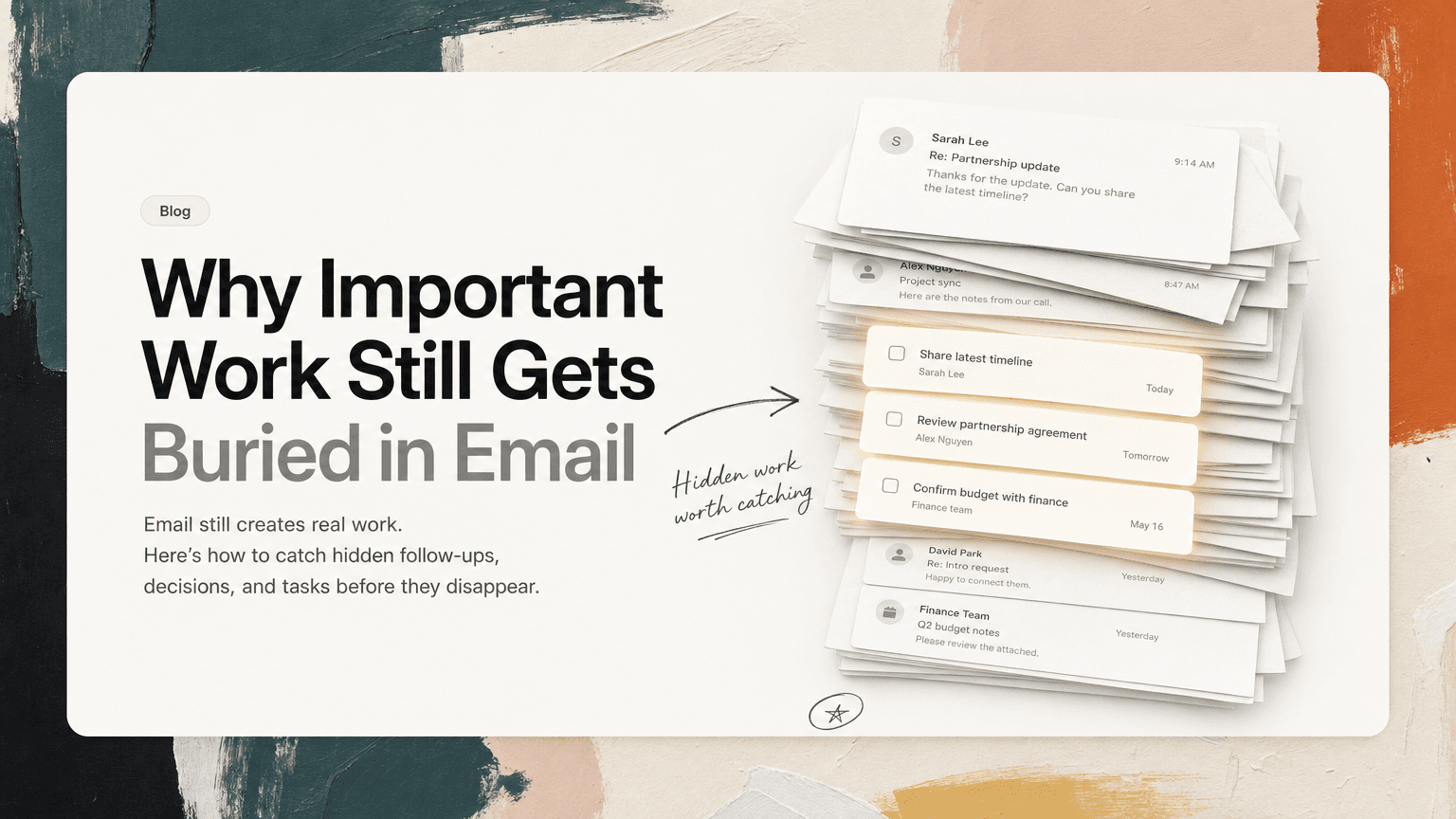
Email is no longer the only place work happens, but it still holds a surprising amount of responsibility.
Slack may be where quick coordination happens. Meetings may be where decisions get made. Project tools may be where formal work is tracked. But Gmail is still where people send approvals, requests, updates, introductions, contracts, customer escalations, partner questions, hiring loops, finance notes, and quiet follow-ups that never make it anywhere else.
That is why email is dangerous: it looks like communication, but often contains work.
The problem is not that people forget to check their inbox. Most knowledge workers check email constantly. The problem is that checking email is not the same as converting email into action. You can read a message, understand what needs to happen, mentally commit to doing it later, archive it, and still lose the work.
The inbox gives you a stream. Execution needs a system.
The inbox was not designed to manage work
Email is good at delivering messages. It is not good at managing commitments.
A task system needs to answer questions like:
- What needs to happen next?
- Who owns it?
- When does it matter?
- What context explains why it matters?
- Is this a duplicate of something already captured elsewhere?
- Is it more important than the other things competing for attention today?
Email answers a different set of questions:
- Who sent this?
- When did they send it?
- What thread is it in?
- Has it been read?
- Did someone reply?
Those are useful, but they are not enough. A critical customer request can sit next to a newsletter. A finance approval can be buried under a calendar invite. A hiring follow-up can be hidden inside a long reply-all thread where the subject line stopped being accurate six messages ago.
The inbox treats all messages as messages. Your workday does not.
The types of work email hides
Important work gets buried in email because it rarely arrives in a clean format. It does not say, “Here is a task with an owner, deadline, and priority.” It shows up as normal human communication.
1. The soft ask
These are requests phrased casually:
“Could you take a look when you get a chance?”
“Would love your thoughts before we send this.”
“Do you mind checking whether this is still accurate?”
None of these look urgent. But each one creates a commitment. If you do not translate it into a next action, it becomes a vague mental tab: review doc, reply with feedback, confirm accuracy.
Soft asks are easy to miss because they do not feel like assignments. They feel like conversation.
2. The buried follow-up
A thread starts with one topic and slowly becomes another.
The original subject line might be “Q2 planning deck,” but by the tenth reply someone asks you to:
- send updated pricing
- confirm a launch date
- loop in legal
- share the latest customer list
- schedule a review meeting
If you rely on the subject line, you will underestimate the thread. If you rely on memory, you will eventually drop something.
Long threads are especially risky because the task is often not in the latest message. It may be three replies back, sitting under a quote block, waiting for someone to remember it.
3. The decision with no next action
Email often contains decisions that should change what happens next:
“Let’s move forward with option B.”
“We agreed to pause the rollout until support has the new docs.”
“Finance is okay with the vendor, but we need security review first.”
A decision is only useful if it changes execution. If it stays trapped in the email thread, people keep asking the same questions in Slack or meetings.
The missing next action might be:
- update the project plan
- notify the launch team
- create the security review task
- cancel a meeting that is no longer needed
- tell the customer the new timeline
Without that conversion step, the decision exists but does not move the work.
4. The invisible deadline
Not every deadline arrives as a calendar event or explicit due date.
Sometimes it sounds like:
“We need this before the board packet goes out.”
“Can you send it ahead of tomorrow’s customer call?”
“If we want to include this in the Friday update, I need your input by Thursday morning.”
The due date is implied by another event. Your inbox can store the message, but it will not necessarily surface the dependency at the right time.
These are the deadlines that create surprise urgency later. Nothing changed. The work was always there. It just stayed embedded in prose.
5. The duplicate request
The same action item can show up in multiple places.
A customer asks by email. A teammate mentions it in Slack. It comes up again in a meeting. Someone adds a comment in a shared doc.
Now the work is fragmented. You may create three versions of the same task or, worse, assume someone else handled it because you remember seeing it somewhere.
Duplicates are not just messy. They distort priority. A repeated item can feel more urgent because it appears in many places, even when it is one underlying task. Or it can feel already handled because it looks familiar.
Why “inbox zero” does not solve this
Inbox zero can be useful if it helps you process messages deliberately. But a clean inbox is not the same as a clear workload.
You can archive every email and still have unresolved work. You can label every thread and still not know what to do next. You can star important messages and still create a second inbox made of stars.
The real question is not, “Did I process my inbox?”
It is:
Did I extract the work from my inbox and put it somewhere I will actually act on it?
If the answer is no, inbox zero becomes a cosmetic win. It makes the surface look clean while the commitments remain scattered.
A practical system for finding hidden email work
You do not need a complicated process. You need a consistent way to turn email into action.
Here is a simple workflow that works well for busy teams.
Step 1: Read for verbs, not just meaning
When reviewing email, scan for action verbs and implied responsibility.
Look for phrases like:
- “review”
- “send”
- “confirm”
- “approve”
- “follow up”
- “introduce”
- “schedule”
- “update”
- “check with”
- “decide”
Also look for softer language:
- “thoughts?”
- “any concerns?”
- “are we aligned?”
- “does this still work?”
- “can we close the loop?”
These are often tasks wearing polite clothes.
Step 2: Rewrite the email as a next action
Do not copy the whole message into your task list. That creates clutter.
Instead, translate it into a clear action:
Bad: “Customer renewal email”
Better: “Send updated renewal terms to Maya before Thursday’s call”
Bad: “Pricing thread”
Better: “Confirm whether new pricing applies to Acme expansion”
Bad: “Board packet”
Better: “Review hiring slide and send edits to Sam by Wednesday noon”
A good next action includes a verb, an object, and enough context to know why it matters.
Step 3: Keep the source attached
The task should not be separated from the email that created it.
If you only write “follow up with Jordan,” you will later waste time reconstructing the context. Which Jordan? About what? What did they ask? Was there a deadline? Did someone else need to be included?
Keep a link back to the original thread or preserve the relevant excerpt. This reduces context switching because you do not have to search Gmail when it is time to act.
This is especially useful for customer-facing teams, founders, and operators who handle a high volume of relationship-heavy work. The task is rarely enough on its own. The surrounding context matters.
Step 4: Separate “reply” from “do”
Many people treat email as a list of replies owed. But not every email task is a reply.
Some require actual work before the reply:
- review a contract
- update a forecast
- check a dashboard
- ask engineering a question
- compare two versions of a doc
- confirm a calendar slot with three people
If you only mark the thread as unread, you are tracking the reminder, not the work.
A better move is to create the action outside the inbox, then decide whether the email itself needs a response now, later, or not at all.
Step 5: Triage email tasks against everything else
Email can make work feel urgent because it arrives directly to you. That does not mean it is the most important thing to do today.
Once email tasks are captured, compare them against Slack tasks, meeting follow-ups, project deadlines, and planned deep work.
Ask:
- Is this blocking someone?
- Is there a real deadline?
- Does this affect a customer, launch, hiring process, or revenue moment?
- Is this a small reply or a larger task pretending to be a reply?
- Can this wait without creating confusion?
The goal is not to do every email task immediately. The goal is to stop email from deciding your priorities by default.
Where AI can help without taking over
AI is useful here when it handles the mechanical part: noticing possible tasks, grouping repeated requests, summarizing the relevant context, and helping you see what needs attention.
That does not mean every email should become a task. It means the system should make potential commitments visible so you can decide.
This is where an assistant like CTRL can help: it connects to Gmail along with places like Slack, Calendar, meetings, and notes, then turns scattered communication into clearer next actions with the source context nearby.
The important part is not automation for its own sake. It is reducing the gap between where work appears and where work gets done.
A simple email review checklist
The next time you process your inbox, use this checklist:
- Is anyone asking me to do something?
- Did a decision happen that changes what needs to happen next?
- Is there a deadline implied by another event?
- Is this request duplicated in Slack, a meeting, or a doc?
- Do I need to reply, or do I need to complete work first?
- Have I captured the next action in a place I trust?
- Is the original context easy to find later?
If the answer to the last two questions is no, the work is still at risk.
Email is a starting point, not a system
Email will keep being part of work because it is flexible, universal, and hard to replace. That is fine. The mistake is expecting the inbox to act like a task manager, project plan, memory system, and prioritization tool at the same time.
It was not built for that.
The practical fix is simple: treat email as an input, not the source of truth. Extract the tasks. Keep the context. Deduplicate repeated asks. Prioritize the work alongside everything else competing for your day.
When you do that, email becomes less of a hiding place and more of a signal. The work still arrives there, but it no longer has to stay buried.


Make today life changing
Move from conversation to actions in seconds
Download the ^ctrl desktop app